
Theme update via Plugin
Always keep backup before update:
Update : Important Considerations : Read More
1. Download updated theme zip
Download updated theme file from the account you have used to purchase theme.
2. Install and activate ‘Easy Updates Manager’ Plugin
- Go To : Plugins > Add New
- Search for : Easy Updates Manager
For more help related to plugin : Plugin direct link
- Install and activate plugin.
- Now further process is exact similar as we do while installing any fresh theme.
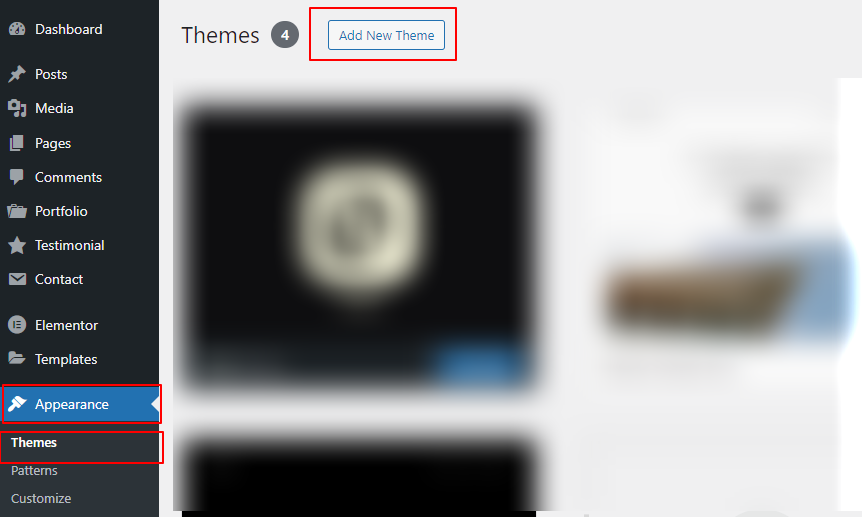
- 1. Go to Appearance > Themes.
- 2. Click the “Add New” button at the top of the page.
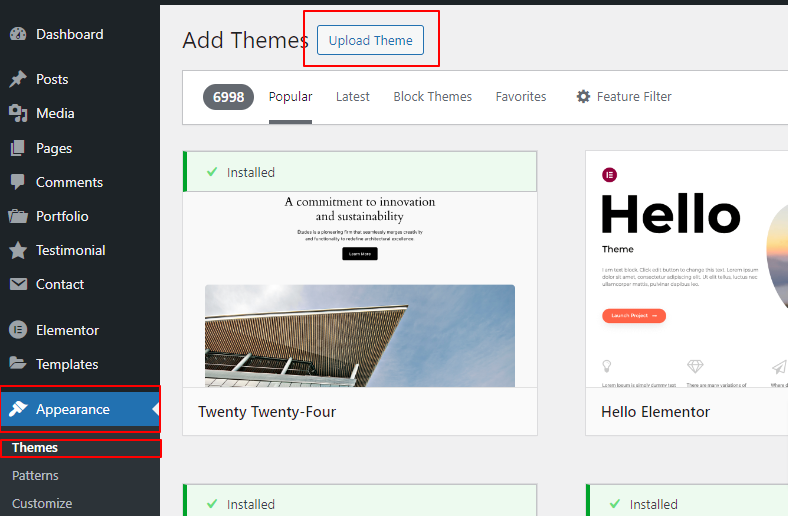
- 3. Click the “Upload Theme” button at the top of the page.
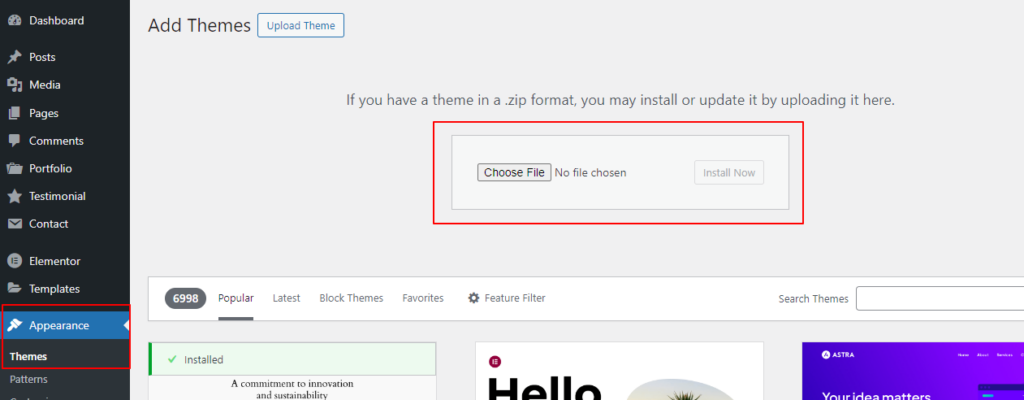
- 4. Browse for the updated theme zip file you have just downloaded. Click the “Install Now” button.
- It will give remark that theme is already installed.
Click on the button : Replace active with uploaded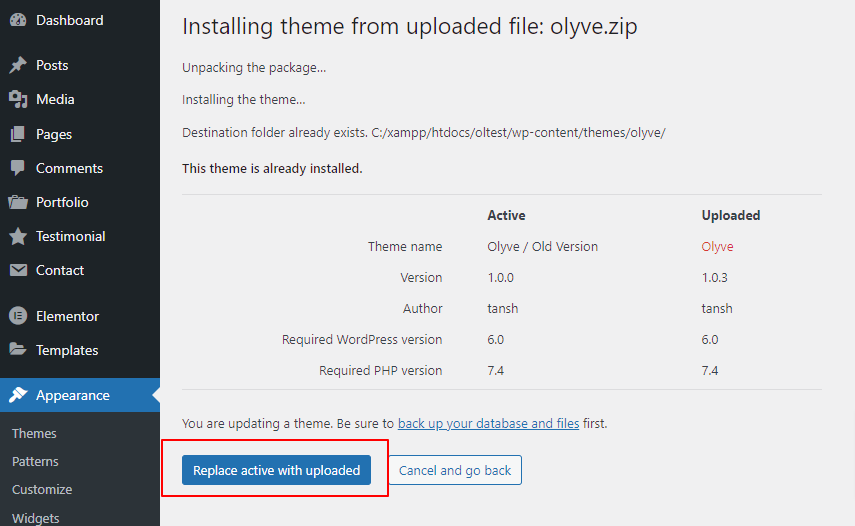
- It will auto activate theme once updating is finished.
Activate if not.